
background cover
background cover

Kendo UI for Angular

Roadmap

Coming in 2026

Discover what’s ahead for Kendo UI for Angular in 2026. Our upcoming roadmap brings new AI-powered agents and assistants, Angular UI components & feature enhancements, and performance improvements designed to help you build modern, AI-powered, high-performing web applications with ease.  

We remain committed to delivering updates on a regular cadence and incorporating your feedback to shape the future of our Angular UI library. Explore what’s planned, share your ideas, and stay ahead with the latest innovations in Angular development. 
 

Kendo UI for Angular

Smart Prompting and Search Component

New component
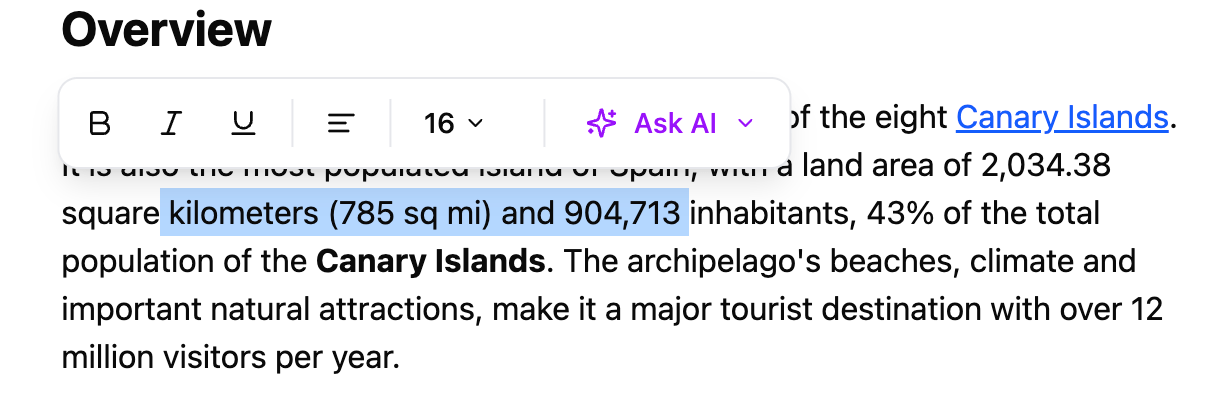
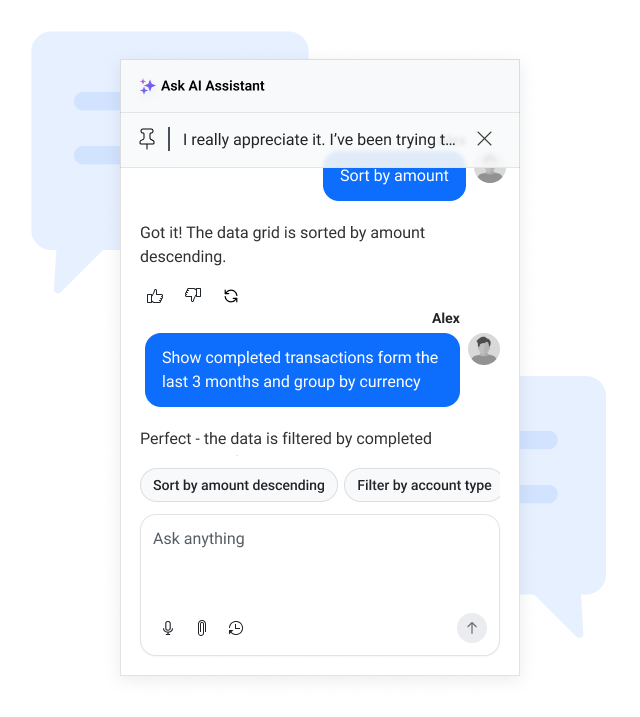
We will introduce a unified Search and AI Prompting component that combines classic keyword search, semantic search, and lightweight AI prompting into a single reusable UI element. It will support intent-aware results, keyword precision, and inline AI suggestions triggered naturally within grids or other content-heavy components. Developers can connect any LLM backend, configure templates, and tailor the user experience. This component improves discoverability, accelerates user workflows, and provides an AI-ready search and prompt surface optimized for performance and seamless integration across the suite.  


Smart Paste Component

New component

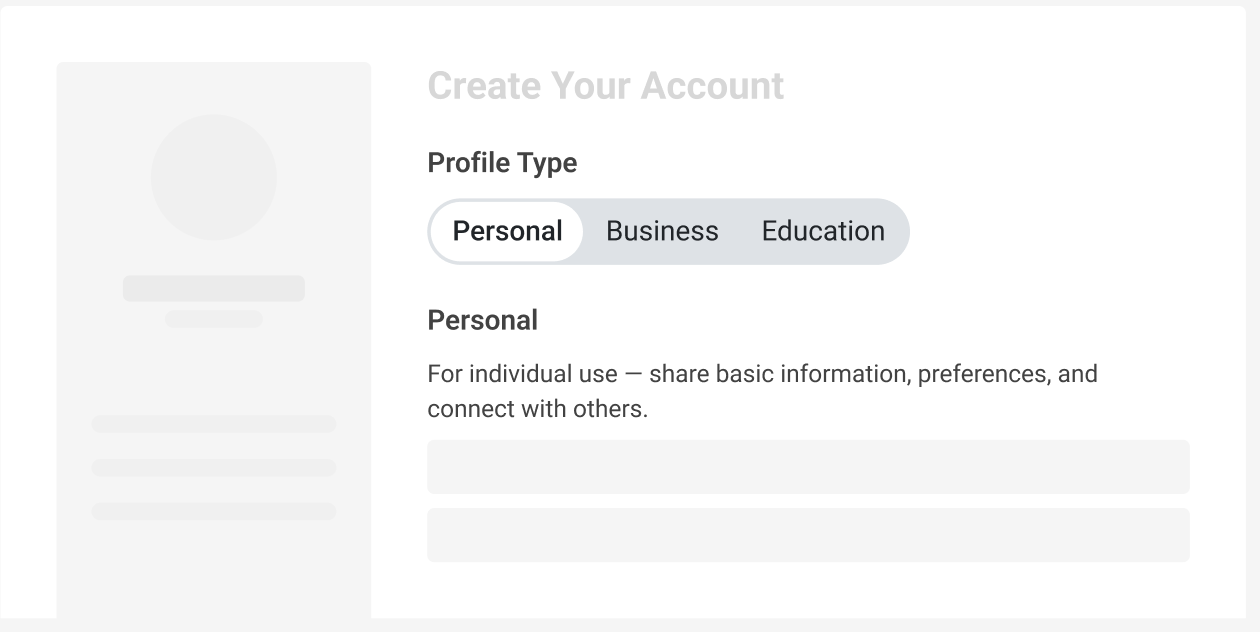
An AI-powered enhancement that streamlines data entry by transforming unstructured pasted content into structured form inputs. Users can copy text from emails, documents, or messages and paste it once, with the component intelligently mapping each piece to the correct fields based on context. This reduces manual typing, improves accuracy, and boosts efficiency. Smart Paste can be added to any form or other component with minimal setup and supports integration with any AI provider for content analysis.  


Angular Chat Enhancements

New feature

The Kendo Angular Chat component continues to evolve as our go-to interface for both human-to-human and human-to-AI communication. We’re further enhancing its UI/UX and expanding its feature set to deliver a smoother, more reliable messaging experience. Upcoming improvements include quality-of-life additions such as a scroll-to-bottom button, failed-message states, and many other usability features. These enhancements ensure the Chat component remains intuitive, modern, and ready for advanced conversational scenarios across your applications.  


Enhanced Charts Interactivity and Motions

New feature
We’re making Kendo Angular charts even more engaging and visually appealing. Upcoming updates include improved chart animations for smoother transitions, category highlighting for better data focus and readability, and theme-driven animation tokens to ensure consistent motion design across all themes. These enhancements will help you create charts that not only convey data clearly but also deliver a polished, modern user experience aligned with your application’s design.  


Enhanced Styling Options for Menu Popups

New feature
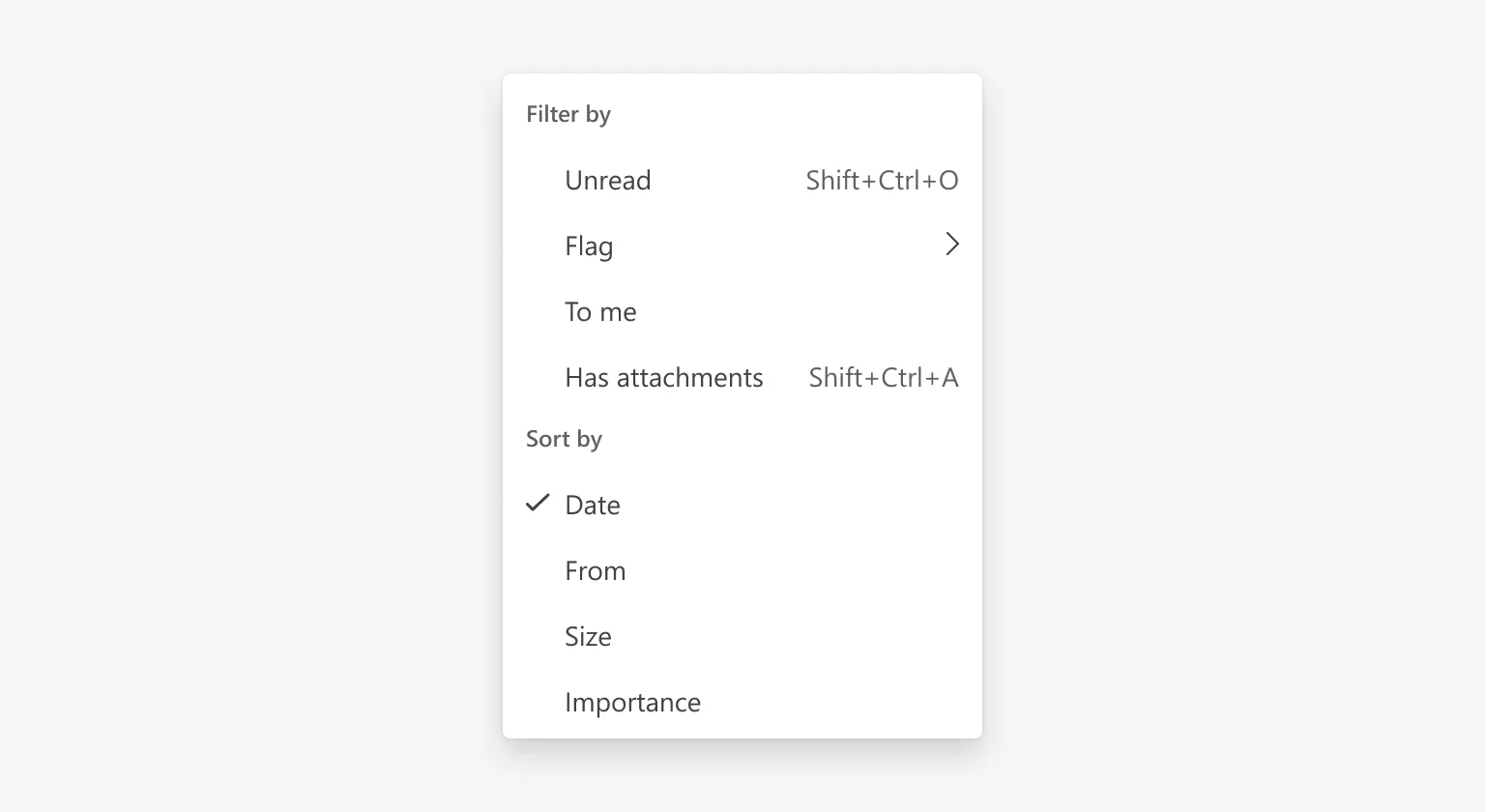
We’re introducing a new capability that allows developers to customize the styling of menu popups. This improvement makes it easier to apply consistent design across applications by enabling developers to define custom classes or styles for the popup element that displays menu items 


Customizable Drag Tooltip for Gantt

New feature

We’re adding the ability to customize the tooltip displayed while dragging a task in the Gantt timeline view. This enhancement gives developers full control over the tooltip’s content and appearance, allowing you to show relevant details such as task name, dates, or custom information during drag-and-drop operations. 


New Features in Spreadsheet Component

New feature

We’re bringing powerful new capabilities to the Kendo Angular Spreadsheet component to make it more intuitive and Excel-like. Upcoming improvements include: 

  • Column-Level Filtering: Easily filter data within individual columns for faster analysis. 

  • Sorting Options: Support for single and multi-column sorting with clear UI indicators for sort order. 

  • Copy/Paste/Cut Event Handling: Improved handling of clipboard operations for a smoother editing experience. 

These updates will make the Spreadsheet component more versatile and user-friendly, enabling advanced data manipulation directly within your application. 


Scheduler Component Enhancements

New feature

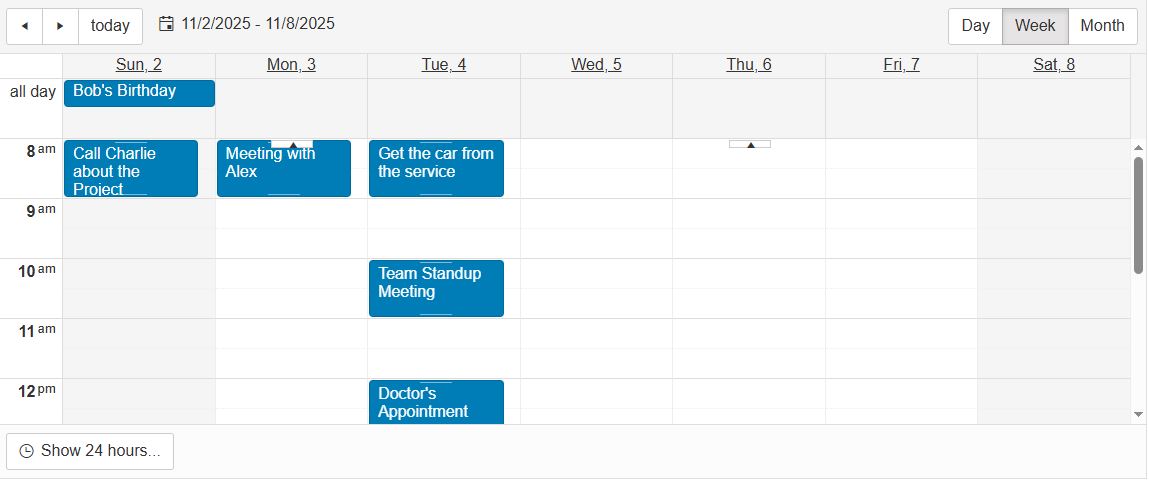
We’re improving the Scheduler component to provide greater flexibility and usability. Upcoming updates include: 

  • Show/Hide Days and Weekends: Easily configure which days are visible in the Scheduler view, allowing you to tailor the calendar to your business needs. 

  • Improved “More Events” Button: A refined experience for handling multiple events in the same time slot, making it easier for users to access and manage overlapping events. 

Diagram Component Enhancements

New feature
We’re expanding the capabilities of the Kendo UI for Angular Diagram component to make it more powerful and versatile. Upcoming improvements include enhanced connector functionality for better diagram interactions and the ability to export diagrams to PDF and PNG formats. These updates will help you create more precise, visually appealing diagrams and easily share or print them in high-quality formats, streamlining workflows and improving collaboration. 


MCP Server Enhancements and AI-Generated UI

Improvement

Following the introduction of the MCP (Model Context Protocol) server and Kendo UI for Angular Agentic UI Generator in Q4'25, we’re investing in additional features and improvements to boost developer productivity and streamline UI development workflows in the developer IDE's of choice.


Angular Deffered Views

Improvement

We’re working on significant performance improvements for Kendo UI for Angular components by introducing deferred view rendering. This approach will optimize how component content is loaded and displayed, reducing initial render time and improving responsiveness in complex applications. The initial set of components to benefit from deferred views will include PanelBar, and Grid. 

End of Support for Angular versions

Improvement

To ensure we remain at the forefront of innovation and provide the best possible experience for our users, we will be ending support for Angular v16 and v17 in November 2025 and v18 in May 2026. This transition will allow us to fully adopt the new features and improvements introduced with Angular v18 and beyond. By focusing on the latest Angular versions, we can deliver enhanced performance, better security, and access to the most current web development features. We encourage our users to upgrade to latest Angular versions to take full advantage of these advancements, ensuring a seamless, future-proof experience with our components.


Focus on Feedback from Our Feedback Portal

Improvement

At Kendo UI for Angular, we prioritize our customers' feedback and are committed to incorporating their top-rated feature requests. By actively listening to your suggestions and needs through our Feedback Portal, we aim to provide enhancements that directly address your most pressing requirements. This customer-centric approach ensures that our product evolves in ways that are most beneficial to you, enhancing your development experience and satisfaction.

thumbnail

No items found.